All In One Preset
Quality of Life Presets!

By nyaiera
Published: Sep 11, 2025
Updated: Sep 11, 2025
20,194
3
Introduction
The All in One Preset was previously announced at Heidel Ball 2025 as a quality of life feature!
- The All in One Preset aims to making switching setups for different content more seemlessly available
- You can store your food/elixir, skill, pet group, artifact, and crystal presets in the All in One Preset
- There are no requirements for unlocking the All in One preset, anyone can access it from the Esc menu
- This is a great system for those who like PvE, PvP and Life Skilling with different load outs
How To Use The All in One Preset
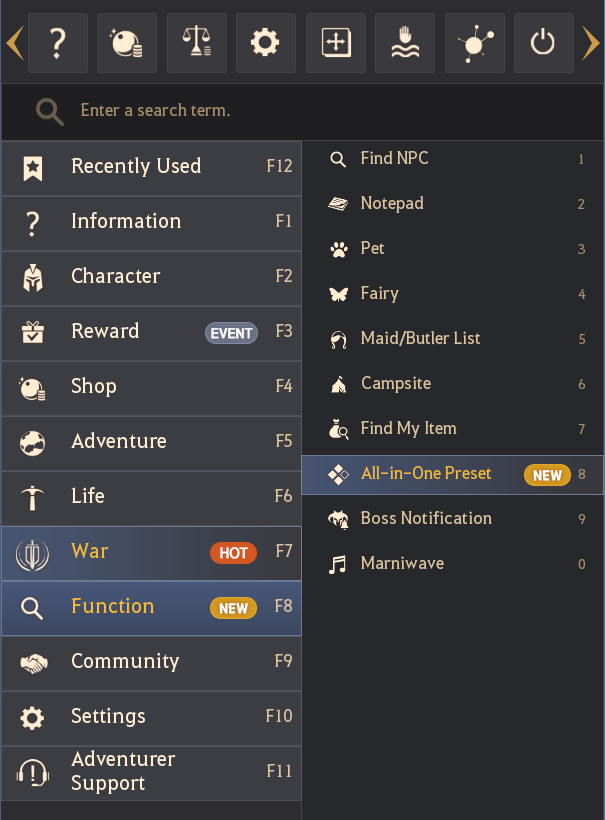
The preset is really easy to find, it's just a new option in the ESC menu which you can find in the Function section. Here's a look at where you can find it if you're a new player.
Like before, you wont be able to apply different presets while your skills are on cooldown, so make sure you wait for cooldowns before attempting to change over.
It was previously announced at Heidel Ball that the preset would automatically switch for you, this is not the case. Apparently this made it difficult to switch between presets in the same content so it wasn't added.

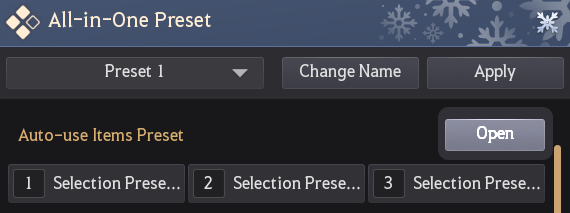
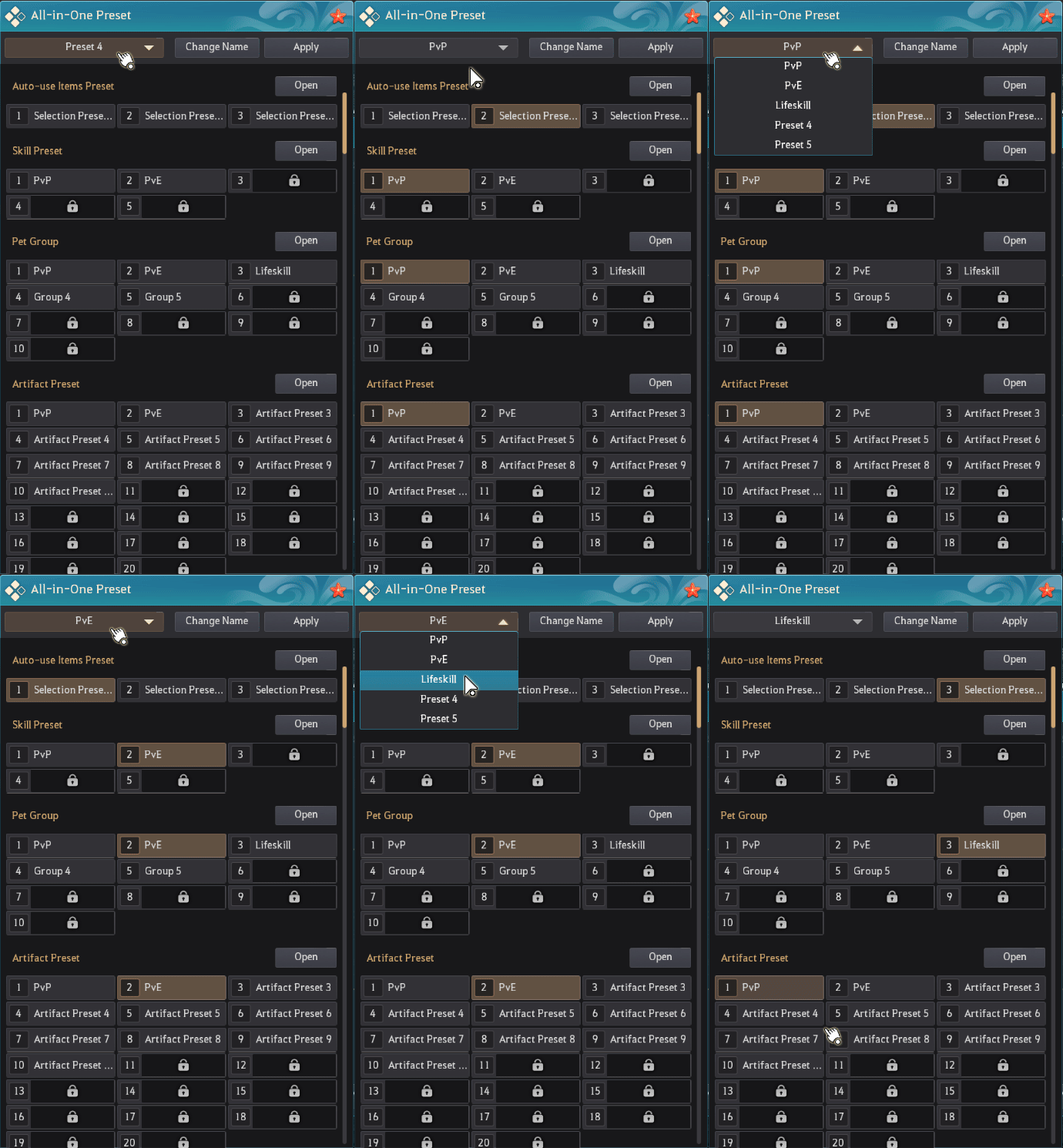
The preset by itself like this looks a bit jarring, sort of information overload on first look but it's actually really easy to use. You can create a Preset name at the top of the screen.
This lets you decide which preset you want to run, nothing too complicated.

This will let you setup different presets for PvE, PvP, Lifeskilling, that kind of thing. Hopefully if this feature flew under the radar of a lot of players, this guide acts as a PSA, as it's a pretty nice feature.
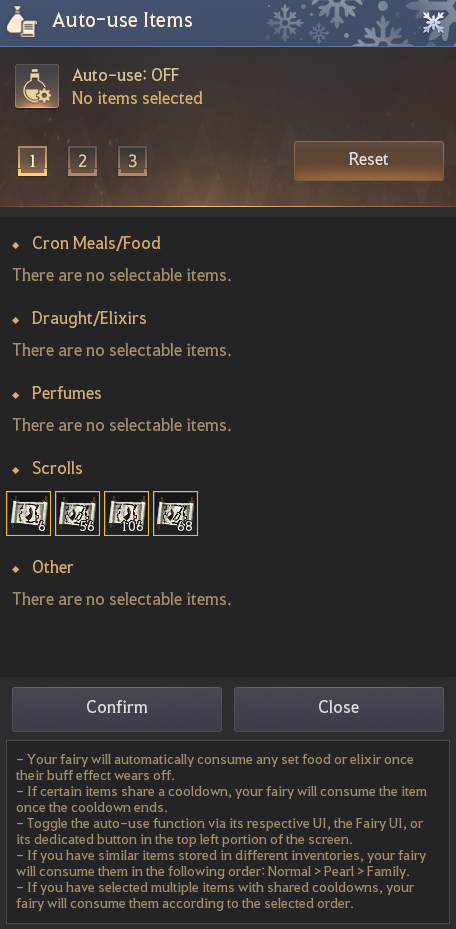
Auto-use items requires a fairy with the auto-use skill, you'll then be able to select consumables that you'd want your fairy to be using for you.
If you haven't gotten a fairy yet because you're new or you're not sure how to obtain Fairy skills, check out our guide on Fairy pets: 
Next up is Skill Presets, this is great for players who like to switch between Succession and Awakening, it's also good if you have a different Core Skill you like to use for PvP.
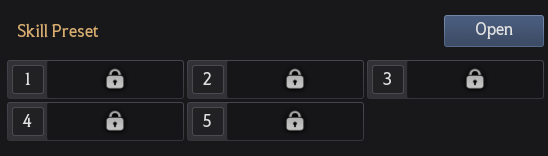
Hitting the "Open" button will just open the Skill Window (K) that you can customize for the preset, it works the same as the regular skill preset options.
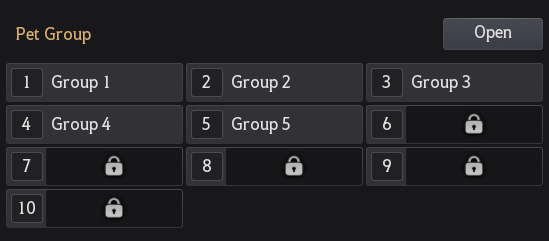
Pet Groups are great for Lifeskilling if you have pets that provide additional Life Skill bonuses like the Hedgehog which can result in extra gathering materials.
Clicking the "Open" button this time just opens the Pet UI letting you select the pets you'd like to have out, if you're new to the game and are still learning about pets and how to get them, we have a guide for them here: 
Next up is Artifacts. These ones will probably be customized most, Artifacts offer a bunch of different options that can have you playing much more defensive or offensive if your class allows it.
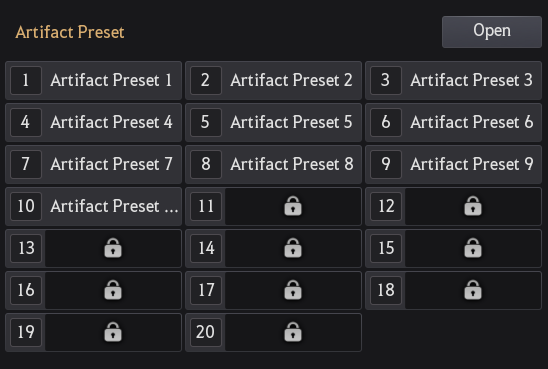
There's also different Artifacts that could help with things like alts, when you just want a full EXP set up or if you'd like to spec into full Lifeskill lightstones.
If you need a guide for Artifacts, we've got you covered:

Lastly you can select your Magical Crystals, which are pretty versatile just like Artifacts, so having different preset options could be useful if you find yourself doing a mix of different content types.
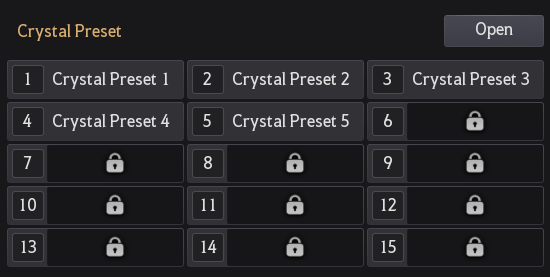
If you need an introduction to Magical Crystals, we've got that as well, here's our guide on Magical Crystals: 
That's all there really is to the All In One Preset, it looks a bit jarring and the format could definitely be better, but once it's organized you'll be able to switch through different setups for all types of content.
Will you be using the All In One Preset for anything? Let us know!
Why not check out some of our other guides while you're here? 

